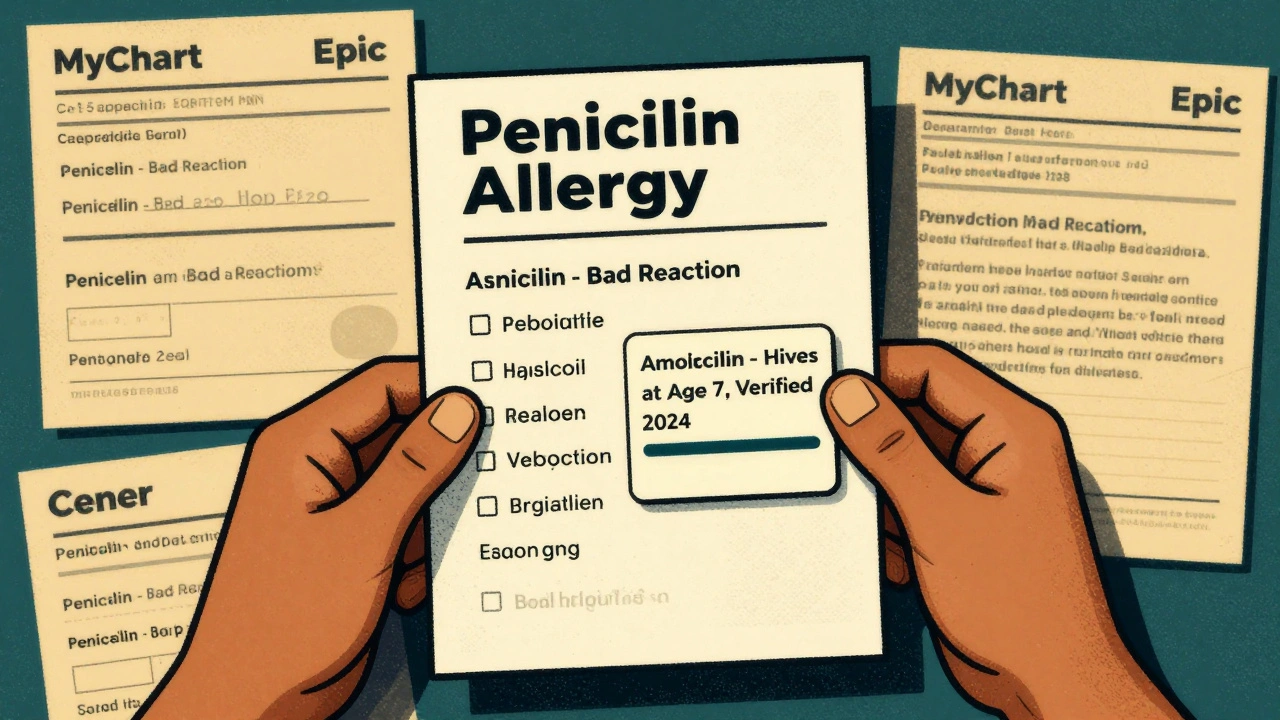
How to Update Your Allergy List Across All Healthcare Providers
Every time you visit a new doctor, pharmacist, or emergency room, your allergy list should be accurate - because one wrong entry could land you in the hospital. Yet studies show that up to 12.9% of allergy records in electronic health systems are outdated, incorrect, or missing critical details. This isn’t just a paperwork problem. It’s a safety issue. Inaccurate allergy data leads to avoidable drug reactions, unnecessary antibiotics, and even death in severe cases. The good news? You can fix this - and you don’t need to wait for your doctor to take action.
Why Your Allergy List Is Probably Wrong
Most people think if they told their doctor about a penicillin rash ten years ago, it’s recorded and locked in. It’s not. Allergy lists often get copied from one system to another without verification. A patient might say, “I’m allergic to penicillin,” and the provider clicks “yes” without asking for details. Was it a rash? Nausea? Trouble breathing? When did it happen? Did you ever get tested to confirm? Without those details, the system just stores a vague label. Later, another doctor sees “penicillin allergy” and avoids the drug - even if you’ve outgrown it. That’s not rare. Up to 90% of people labeled with penicillin allergy aren’t truly allergic when tested. But because the label sticks, they get stronger, costlier antibiotics that increase the risk of C. diff infections, antibiotic resistance, and longer hospital stays. The same goes for food allergies, latex, or contrast dye. If your allergist cleared you last year but your primary care chart still says “allergic,” you’re at risk. And if you’ve switched providers, your old records might not have transferred properly - or they did, but with errors.What a Proper Allergy Entry Should Include
Since January 2025, U.S. health systems are required by federal rules (USCDI v3) to document allergies in a specific, structured way. That means every entry should have:- Substance: Exact name - “amoxicillin,” not just “penicillin.”
- Reaction: Specific symptoms - “hives,” “swollen throat,” “anaphylaxis,” not “bad reaction.”
- Onset: When it happened - “age 7,” “after IV dose in 2021.”
- Severity: Mild, moderate, or severe - and whether it was life-threatening.
- Verification status: “Patient-reported,” “clinically verified,” or “resolved.”
How to Check Your Allergy List Right Now
You don’t have to wait for your next appointment. Here’s how to check your current allergy list in minutes:- Log into your patient portal - the one your doctor’s office uses (MyChart, Epic, Cerner, etc.).
- Look for “Allergies,” “Medication Allergies,” or “Reactions.”
- Click on each entry. Does it show the full reaction? Is it marked as “verified” or “unverified”?
- Compare it to your own memory. Did you ever have a confirmed test? Did a doctor ever say, “You’re probably not allergic anymore”?
- If something looks wrong, missing, or vague - write it down.
How to Update It Across All Providers
Once you’ve reviewed your list, here’s how to fix it - and make sure it updates everywhere:Step 1: Clarify your actual allergies
If you’re unsure about a label - like “penicillin allergy” from childhood - talk to your doctor about an allergy test. Penicillin skin tests are safe, quick, and covered by most insurance. If the test is negative, your doctor can officially remove the label. This alone can save you from unnecessary antibiotics and reduce costs by thousands of dollars over your lifetime.Step 2: Update your primary care provider first
Your primary care doctor is your central hub. They’re more likely to have access to your full history and coordinate with specialists. Bring your written list to your next visit. Say: “I’ve reviewed my allergy record and want to make sure it’s accurate. Here’s what I believe is correct.” Ask them to:- Update each entry with full details (reaction, timing, severity).
- Change “unverified” to “verified” if you have documentation.
- Mark “resolved” if you’ve been cleared by testing.
Step 3: Request a record transfer
After your primary care provider updates your list, ask them to send a secure electronic update to any other providers you’ve seen in the last two years - especially specialists, hospitals, or pharmacies. Most EHR systems (like Epic and Cerner) can do this automatically if your records are linked. If they say they can’t, ask: “Can you send this via Care Everywhere or FHIR?”Step 4: Use your patient portal to update directly
Since 2025, federal rules allow patients to update their own allergy lists through secure portals. If your portal has an “edit” button, use it. You can add, remove, or modify entries yourself - but only if your provider has enabled this feature. Not all have. If you can’t edit it, submit a formal request through the portal’s messaging system. Keep a copy of your message.Step 5: Tell every new provider
Even if your records are synced, always verbally confirm your allergies at every new visit. Say: “I’ve updated my allergy list recently. Here’s what’s current.” Then show them your portal screenshot or printed list. This is your final safety net.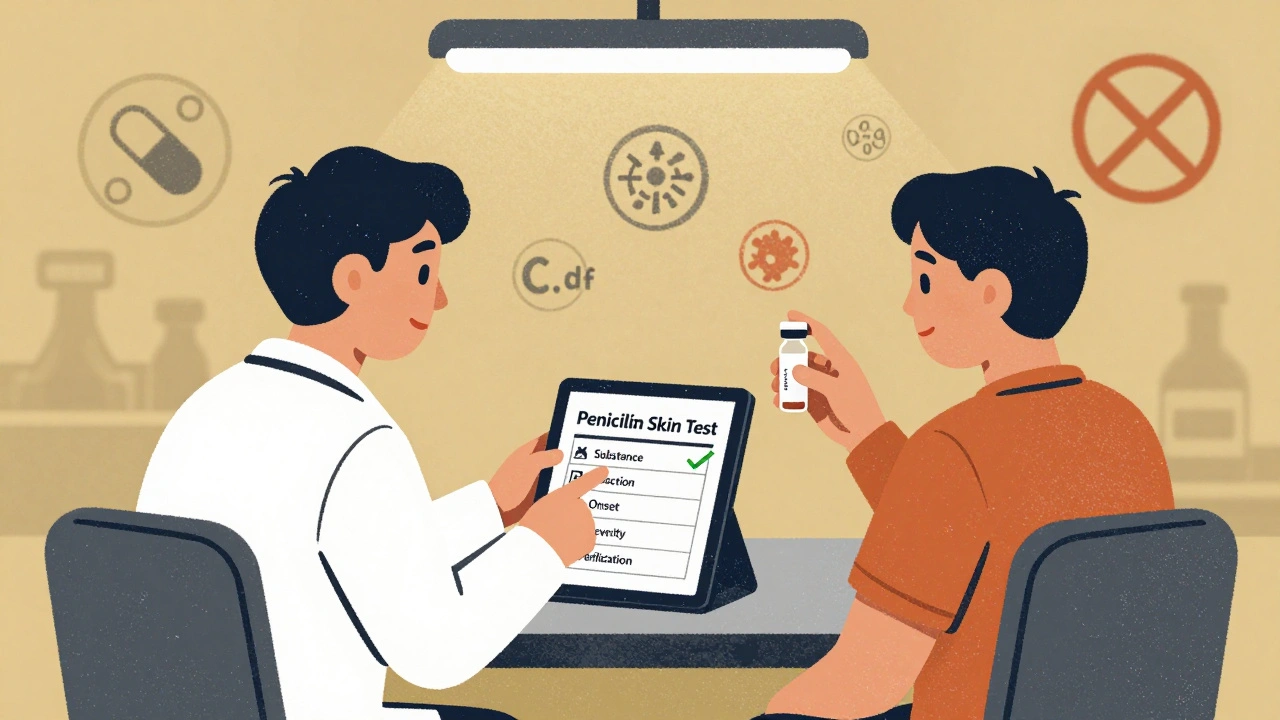
What to Do If a Provider Refuses to Update
Some providers still treat allergy lists as “set in stone.” If a doctor or nurse dismisses your request, say: “I’m asking you to update this because inaccurate allergy records are a known patient safety risk, and federal standards require accurate, verified entries as of 2025.” If they still refuse, ask to speak to the medical records department or patient advocate. You have the legal right to accurate health records under HIPAA. If your request is denied, file a formal complaint with the provider’s compliance office. Keep a record of your request and their response.What’s Still Broken - And What’s Coming
Even with better rules, gaps remain. Only 32% of EHR systems accurately document food or environmental allergies. Most systems still treat them as “notes,” not structured data. That means if you’re allergic to peanuts or bee stings, your record might not be picked up by emergency systems. The future is improving. New AI tools can now scan your clinical notes and flag inconsistencies - like if you had a negative test but the label remains. Some hospitals are already using these tools to auto-correct records. In the next two years, you’ll be able to upload your own allergy history from a phone app, and it’ll sync across all your providers automatically. But right now, you can’t wait for technology to fix it. You have to take action.What Happens If You Do Nothing
Let’s say you’ve had a vague “allergy to sulfa” since you were a teen. You never had a test. You’ve taken sulfa drugs since - no problem. But your chart says “allergic.” Next time you have a UTI, your doctor avoids the best, cheapest antibiotic and prescribes something more expensive and risky. You get sick longer. You pay more. You risk side effects. That’s not hypothetical. It happens every day. The AHRQ found that 5% of hospitalized patients suffer harm from inaccurate allergy records. And for anaphylaxis, the death rate is 10%. You’re not just updating a form. You’re protecting your life.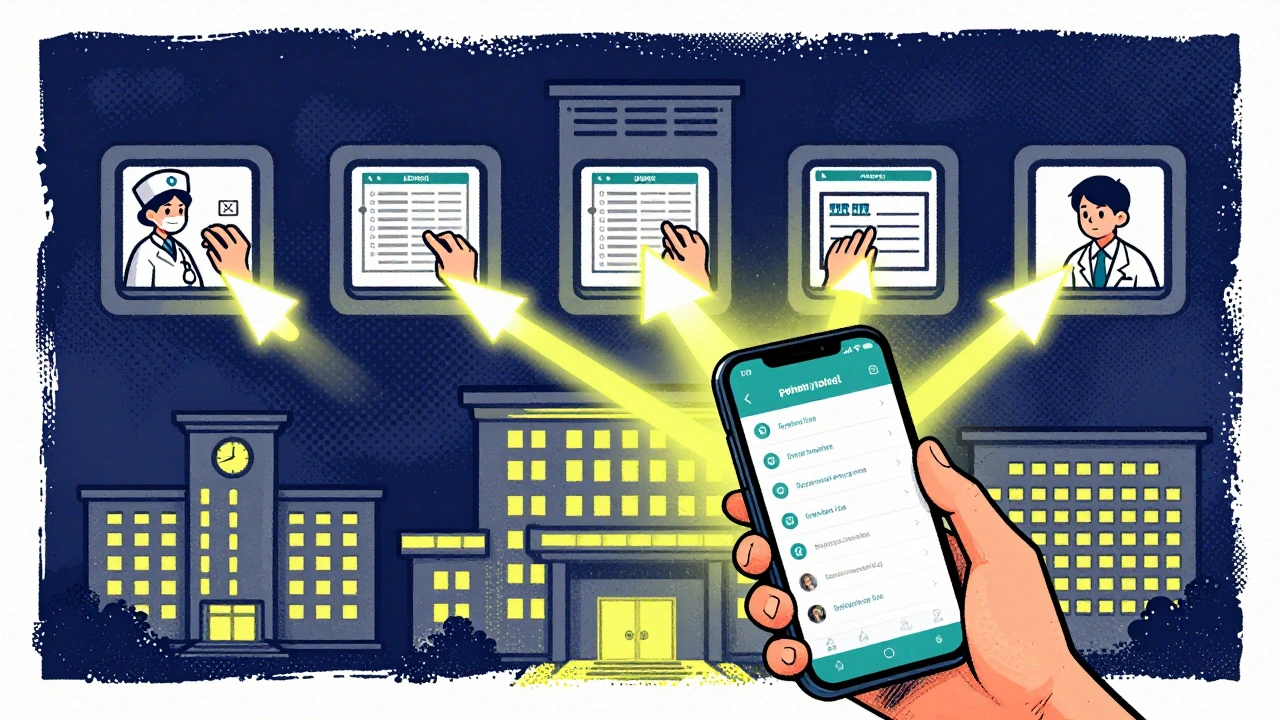
Quick Checklist: Your Action Plan
- ✅ Log into your patient portal and review your allergy list.
- ✅ Write down each entry with what you remember: substance, reaction, timing, severity.
- ✅ If unsure about a label, ask for an allergy test - especially for penicillin.
- ✅ Update your primary care provider with verified, detailed info.
- ✅ Ask them to send updates to other providers.
- ✅ Use your portal to submit changes yourself if allowed.
- ✅ Always verbally confirm your list at every new appointment.
Frequently Asked Questions
Can I update my allergy list myself in my patient portal?
Yes - if your provider’s system allows it. Since 2025, federal rules require EHRs to let patients submit and edit allergy information through secure portals. Look for an “Edit” or “Add” button under your allergies. If you don’t see it, use the portal’s secure message system to request an update. Always keep a copy of your request.
What if I think I outgrew a drug allergy?
Get tested. Penicillin allergies are often outgrown - up to 90% of people labeled allergic aren’t truly allergic after testing. Skin tests are safe, quick, and covered by insurance. If the test is negative, your doctor can remove the label and update your records. This prevents you from being given less effective, more expensive, or riskier antibiotics in the future.
Do food allergies count in my EHR allergy list?
They should - but many systems don’t handle them well. Only about 32% of EHRs accurately capture food or environmental allergies with the same structure as drug allergies. If you have a severe food allergy, make sure it’s clearly listed with severity (e.g., “peanut - anaphylaxis”) and verified status. Consider carrying a medical alert card or app, because your EHR might not reflect it in an emergency.
Why does my allergy list still say “penicillin allergy” after I was cleared?
Because many systems copy old entries without updating them. Even if your allergist cleared you, your primary care or ER record might still have the old label. You must request an update - it won’t happen automatically. Ask your doctor to change the status to “resolved” and add a note: “Negative penicillin skin test, 2024.” Then ask them to send the update to other providers.
How often should I review my allergy list?
At least once a year - and always before any surgery, hospital stay, or new prescription. Allergies can change. You might develop new ones, or outgrow old ones. Don’t assume your list is still accurate just because you haven’t had a reaction. Review it like you would your medications or insurance.



15 Comments
Olivia Portier
December 9 2025OMG I just checked my portal and my penicillin allergy was still listed as 'bad reaction' from when I was 8. I've taken it like 5 times since and never had an issue. Going to book a skin test tomorrow. 🙌
Brianna Black
December 10 2025This is one of the most vital public health reminders I've seen in years. The systemic failure to maintain accurate allergy documentation is not merely bureaucratic negligence-it is a breach of the fundamental duty of care. Every clinician must be held accountable.
Ronald Ezamaru
December 10 2025I work in hospital IT. The biggest problem isn't patients not updating-they're the EHRs themselves. Systems still copy-paste allergy entries like they're Word docs. No validation, no version control. It's a mess. The 2025 rules are good, but enforcement? Barely exists.
Iris Carmen
December 11 2025i checked mine and it said 'allergic to bananas'?? i've eaten them since i was 2. i think my mom panicked at the ER once and they just put it in. deleted it. feels good.
Darcie Streeter-Oxland
December 12 2025One must question the efficacy of patient-driven updates when the underlying infrastructure remains antiquated. The burden placed upon individuals to rectify institutional failures is both inequitable and inefficient. This is not empowerment-it is abdication.
Sarah Gray
December 12 2025If you’re still using a patient portal that doesn’t support structured FHIR-based allergy entries, you’re not just behind-you’re endangering lives. And if your doctor doesn’t know what USCDI v3 is, they shouldn’t be prescribing anything.
Kathy Haverly
December 12 2025Oh great, another article telling us to do more work for free because the system is broken. You think I have time to call five providers, dig up 15-year-old notes, and argue with nurses who don’t even know what 'verification status' means? Spare me.
Graham Abbas
December 13 2025It’s funny, isn’t it? We trust algorithms to recommend movies, but we still manually fix our own medical records. We’ve outsourced our attention spans but not our safety. Maybe the real allergy isn’t to penicillin-it’s to responsibility.
Haley P Law
December 13 2025I just updated my list and now I feel like a medical superhero 💪✨ Also, I took a screenshot and sent it to my mom. She’s been saying I'm not allergic to shellfish since 2012 but the system still says 'anaphylaxis.' I’m basically a walking medical correction bot now.
Nikhil Pattni
December 15 2025You think this is bad? In India, we don't even have EHRs in most clinics. My cousin’s sister was allergic to aspirin but her record said 'no allergies' because the nurse didn't know how to type. She got aspirin in the ER, went into shock, and now she's on disability. This isn't a US problem-it's a global failure of systems, training, and human empathy.
precious amzy
December 17 2025The entire premise assumes that patients possess the cognitive and bureaucratic capacity to navigate a system designed to obfuscate. One cannot 'self-correct' a structure that was never meant to be corrected by the governed. This is performative patient empowerment.
Carina M
December 17 2025It is unconscionable that any healthcare provider would permit a patient-reported allergy to remain unverified in a clinical record. The standard of care requires objective confirmation. To suggest otherwise is not just negligent-it is ethically indefensible.
William Umstattd
December 19 2025I’ve been saying this for years. If you don’t have a verified, structured allergy entry in your chart, you’re not being cared for-you’re being gambled with. And if your doctor says 'it’s fine' because you've never reacted? That’s not medicine. That’s Russian roulette with antibiotics.
Elliot Barrett
December 19 2025I’m not doing any of this. I’ve got a job, two kids, and a life. If the hospital can’t keep track of my allergies, that’s their problem. I’ll just say 'no penicillin' every time. It’s not my job to fix their broken software.
Tejas Bubane
December 21 2025Let’s be real-90% of people who say they’re allergic to penicillin are just scared of side effects. I’ve seen patients lie to avoid antibiotics because they don’t want to take them. This whole system is gamed. You think updating your portal fixes that? Nah. It just makes the paper trail look pretty.